Marketing automation for ecommerce streamlines repetitive tasks and personalizes customer experiences. It boosts sales and enhances customer retention.
In today’s competitive ecommerce landscape, businesses need efficient tools to stay ahead. Marketing automation helps online stores manage customer interactions, segment audiences, and send targeted messages. This technology saves time by automating routine tasks like email campaigns, social media posting, and customer follow-ups.
It also provides valuable insights into customer behavior, helping businesses tailor their strategies. By using marketing automation, ecommerce stores can increase conversion rates, improve customer satisfaction, and drive revenue growth. Investing in these tools is crucial for any online retailer looking to thrive in the digital marketplace.
Introduction To Marketing Automation
Introduction to Marketing Automation for Ecommerce
Welcome to the world of marketing automation. This tool can transform your ecommerce business. It saves time and boosts sales.
What Is Marketing Automation?
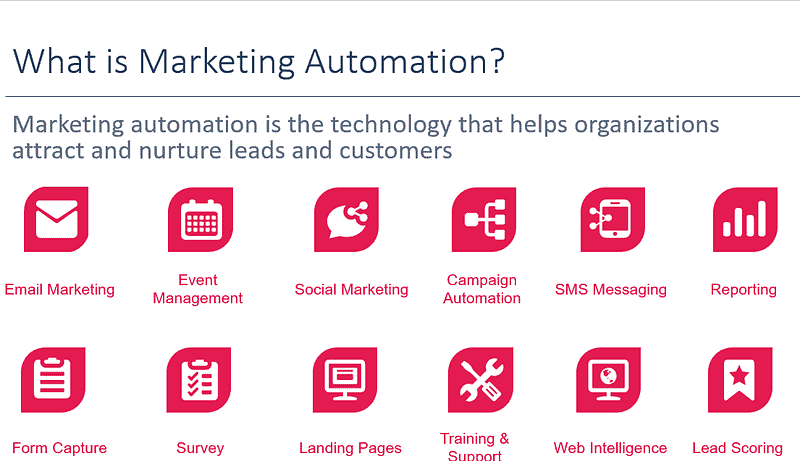
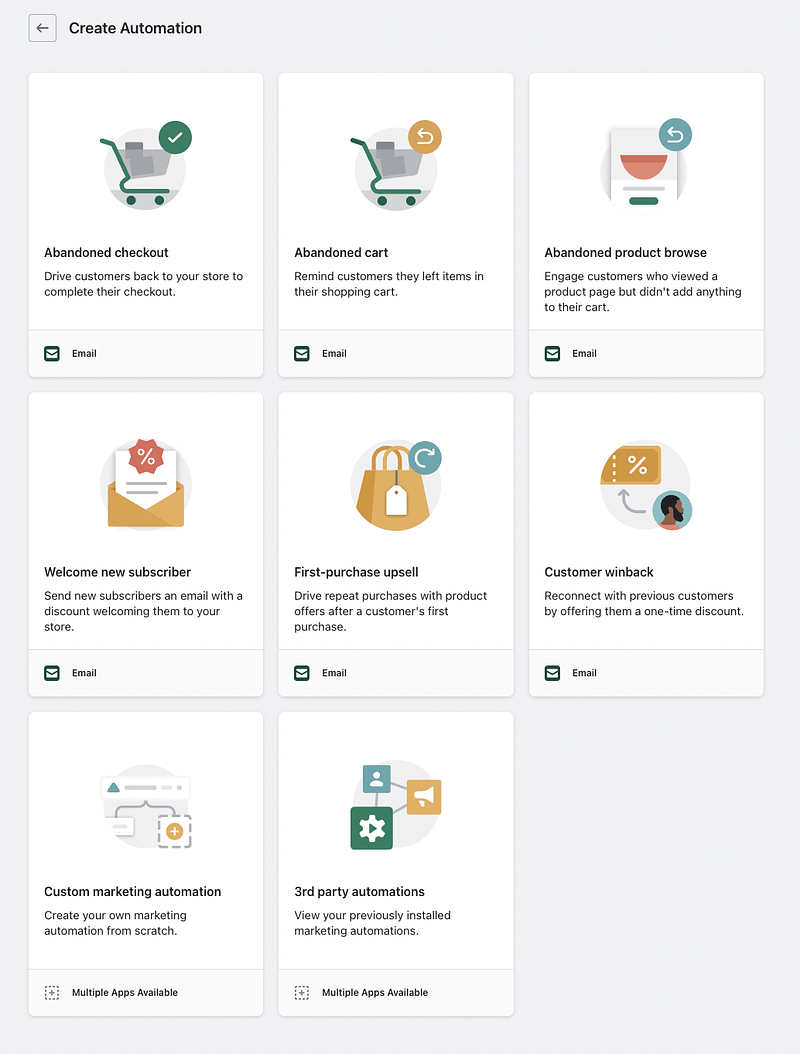
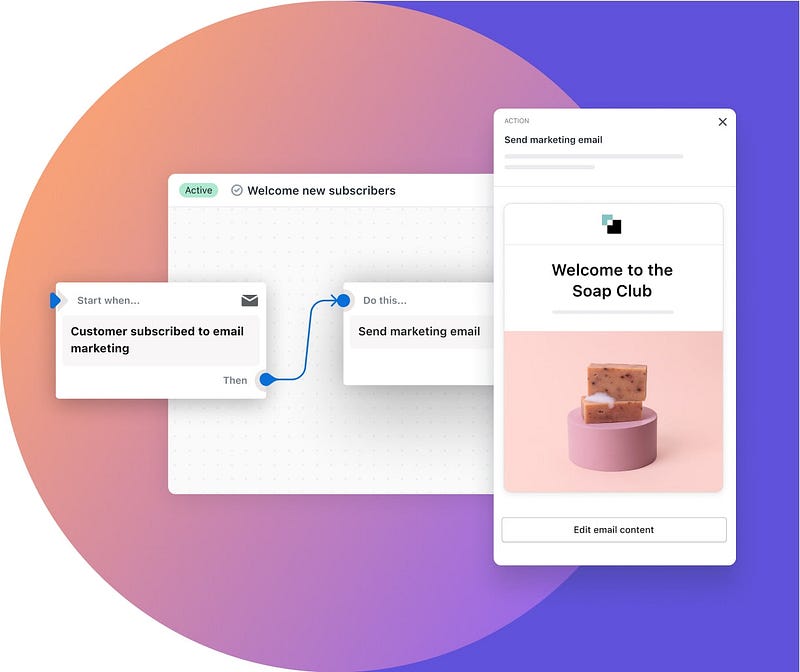
Marketing automation uses software to automate marketing tasks. It handles repetitive actions like emails and social media posts. This helps you focus on strategy.
Task Automated Action Email campaigns Sends personalized emails Social media posts Schedules and publishes posts Customer follow-ups Sends reminders and offers
Importance In Ecommerce
Marketing automation is key in ecommerce. It helps manage large customer bases. Here are some benefits:
- Increases efficiency: Automates repetitive tasks.
- Boosts sales: Sends timely offers to customers.
- Improves customer experience: Provides personalized messages.
With marketing automation, your ecommerce business can thrive. It ensures you stay ahead in the market.
Key Benefits
Key Benefits of Marketing Automation for Ecommerce
Marketing automation is a powerful tool for ecommerce businesses. It streamlines tasks and improves customer interactions. Let’s explore the key benefits.
Increased Efficiency
Marketing automation saves time by automating repetitive tasks. This includes email campaigns, social media posts, and customer follow-ups. Employees can then focus on strategic tasks.
Automation tools can segment customer data effectively. This ensures targeted marketing efforts. It also reduces human errors, providing consistent communication.
Here are some tasks that benefit from automation:
- Email marketing
- Social media scheduling
- Customer segmentation
- Sales follow-ups
Enhanced Customer Experience
Automation helps personalize customer journeys. It sends personalized emails and messages based on customer behavior.
Customers receive relevant offers and product recommendations. This improves customer satisfaction and boosts sales.
Automation tools also provide analytics. These insights help understand customer preferences. Businesses can then tailor their strategies accordingly.
Key features that enhance customer experience include:
Feature Benefit Personalized Emails Higher engagement rates Behavior-based Recommendations Increased sales Customer Analytics Better strategy planning
Popular Tools
Marketing automation tools can streamline ecommerce operations. They help businesses save time, increase efficiency, and boost sales. Below are some popular tools used in ecommerce marketing automation.
Email Marketing Platforms
Email marketing is crucial for ecommerce success. Several platforms can automate this process. Here are some popular options:
Platform Features Pricing Mailchimp
- Email Campaigns
- Analytics
- Customer Segmentation
Free to $299/month Klaviyo
- Personalized Emails
- SMS Integration
- Detailed Analytics
$20 to $700/month Constant Contact
- Automation
- List Management
- Templates
$20 to $95/month
Crm Systems
Customer Relationship Management (CRM) systems are vital. They help businesses manage customer interactions. Here are some top CRM tools:
- Salesforce
- Lead Management
- Sales Forecasting
- Customer Support
- HubSpot
- Email Tracking
- Pipeline Management
- Customer Analytics
- Zoho CRM
- Lead Scoring
- Workflow Automation
- Real-time Notifications
Segmentation & Personalization
Marketing automation is revolutionizing the ecommerce landscape. Segmentation & Personalization are key components in this transformation. These strategies enable businesses to target customers more effectively, boosting engagement and sales.
Customer Segmentation
Customer segmentation is the process of dividing a customer base into groups. These groups share similar characteristics. The aim is to create targeted marketing strategies.
Common segmentation criteria include:
- Demographics: Age, gender, income, education
- Geographics: Country, region, city
- Behavior: Purchase history, website activity, engagement level
- Psychographics: Interests, lifestyle, values
Effective segmentation helps in understanding customer needs better. It also aids in delivering more relevant content.
Personalized Campaigns
Once customers are segmented, businesses can create personalized campaigns. Personalization means tailoring content to individual preferences. This can significantly boost conversion rates.
Here are some ways to personalize campaigns:
- Email Marketing: Send personalized product recommendations.
- Website Content: Show different content based on user behavior.
- Product Suggestions: Recommend products based on past purchases.
- Special Offers: Provide exclusive deals to loyal customers.
Personalized campaigns make customers feel valued. They increase the likelihood of repeat purchases.
Below is a table summarizing the benefits of segmentation and personalization:
Benefit Description Higher Engagement Customers engage more with relevant content. Improved Conversion Rates Personalized offers lead to more sales. Customer Loyalty Personalization builds stronger customer relationships. Efficient Marketing Spend Resources are focused on high-potential segments.
Automated Workflows
Automated workflows can revolutionize your ecommerce marketing strategy. They save time and ensure consistent customer communication. Automation helps manage repetitive tasks, freeing up your team’s time for more strategic work. Let’s explore two crucial aspects of automated workflows: Lead Nurturing and Sales Funnel Automation.
Lead Nurturing
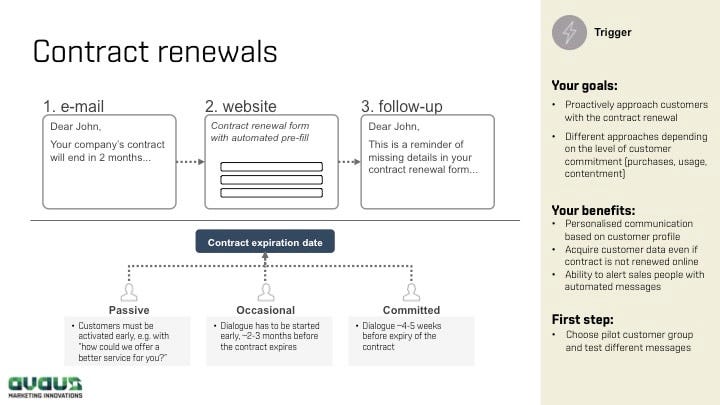
Lead nurturing involves guiding potential customers through the buying journey. Automated workflows make this process efficient and personalized. Here’s how:
- Email Campaigns: Send tailored emails based on user behavior.
- Segmentation: Group leads by interests and purchase history.
- Content Delivery: Share relevant content to educate leads.
Automated email campaigns can boost engagement. Segmentation ensures messages are relevant. Content delivery keeps leads informed and interested.
Sales Funnel Automation
Sales funnel automation streamlines the entire sales process. It ensures leads are nurtured at each stage. Key benefits include:
- Lead Scoring: Identify high-potential leads.
- Personalized Offers: Send tailored discounts and offers.
- Automated Follow-ups: Ensure timely follow-up actions.
Lead scoring helps prioritize efforts on valuable leads. Personalized offers increase conversion rates. Automated follow-ups keep the sales process moving smoothly.
Feature Benefit Lead Scoring Identifies high-value leads Personalized Offers Boosts conversion rates Automated Follow-ups Keeps the sales process on track
Automated workflows enhance efficiency and consistency in ecommerce marketing. They ensure every lead receives the right message at the right time.

Credit: easyecom.io
Data & Analytics
In the fast-paced world of ecommerce, data & analytics play a crucial role. They help businesses understand customer behavior and measure campaign success. With the right data, you can make informed decisions and drive more sales.
Tracking Customer Behavior
Understanding how customers interact with your site is essential. Tracking customer behavior can reveal valuable insights. Use tools like Google Analytics to monitor:
- Page views
- Time spent on site
- Click-through rates
- Bounce rates
These metrics help you understand what attracts your customers. You can identify popular products and pages. Adjust your marketing strategies based on these insights to boost engagement.
Measuring Campaign Success
Measuring the success of your marketing campaigns is vital. You need to know what works and what doesn’t. Use data to measure key performance indicators (KPIs) like:
- Conversion rates
- Return on investment (ROI)
- Cost per acquisition (CPA)
- Customer lifetime value (CLV)
These KPIs provide a clear picture of your campaign’s effectiveness. If a campaign isn’t performing well, adjust your strategy. Focus on what delivers the best results and optimize your marketing spend.
Below is a table summarizing key metrics for tracking customer behavior and measuring campaign success:
Metric Description Page Views Number of times a page is viewed Time Spent on Site Average time users stay on the site Click-Through Rates Percentage of clicks on links Bounce Rates Percentage of single-page sessions Conversion Rates Percentage of visitors who convert ROI Return on investment from campaigns CPA Cost to acquire a new customer CLV Customer lifetime value
By leveraging data and analytics, you can enhance your ecommerce marketing efforts. Make data-driven decisions to improve customer engagement and campaign performance.
Challenges & Solutions
Marketing automation can revolutionize ecommerce by streamlining operations and boosting sales. Yet, businesses often face several challenges in implementing these solutions. This section delves into the common obstacles and offers effective strategies to overcome them.
Common Obstacles
Data Management: Managing and analyzing large volumes of data can be overwhelming. Ecommerce platforms generate massive amounts of data daily. Properly organizing and utilizing this data is critical.
Integration Issues: Integrating marketing automation tools with existing systems is often complex. Many platforms may not communicate effectively, leading to data silos.
User Segmentation: Creating accurate customer segments is challenging. Incorrect segmentation can lead to ineffective marketing campaigns.
Content Personalization: Personalizing content for different user segments can be resource-intensive. Crafting unique messages for varied audiences requires significant effort.
Effective Strategies
Data Management Solutions: Utilize robust CRM systems to manage data efficiently. Tools like Salesforce or HubSpot can help organize and analyze data seamlessly.
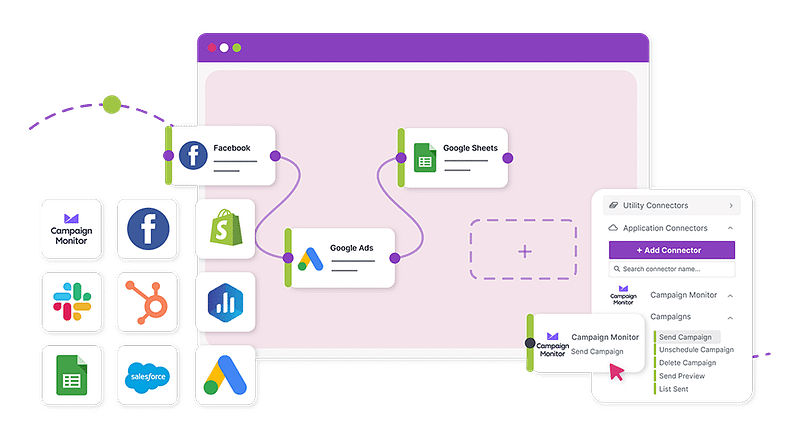
Integration Techniques: Use APIs to ensure smooth integration between different tools. Platforms like Zapier can connect various apps, reducing compatibility issues.
User Segmentation Methods: Leverage AI and machine learning for precise segmentation. These technologies can analyze user behavior and create accurate customer profiles.
Content Personalization Tactics: Implement dynamic content blocks to personalize messages. Use tools like Dynamic Yield to tailor content based on user behavior.
Challenge Solution Data Management CRM Systems Integration Issues APIs and Platforms like Zapier User Segmentation AI and Machine Learning Content Personalization Dynamic Content Blocks

Credit: tagembed.com
Future Trends
The future of marketing automation for ecommerce is bright. Businesses must stay ahead by understanding emerging trends. Here, we explore two key trends shaping the future: AI Integration and Omnichannel Automation.
Ai Integration
Artificial Intelligence is revolutionizing ecommerce marketing. AI can analyze vast amounts of data quickly. This helps in making better marketing decisions.
Some ways AI impacts ecommerce marketing are:
- Personalized Recommendations: AI suggests products based on user behavior.
- Chatbots: AI-powered chatbots provide instant customer service.
- Predictive Analytics: AI predicts future trends and customer needs.
AI enhances customer experience and boosts sales. Businesses leveraging AI will stay competitive in the market.
Omnichannel Automation
Omnichannel Automation ensures a seamless customer experience across all channels. Customers expect consistent interactions whether online or offline.
Key benefits of omnichannel automation include:
Benefit Description Unified Customer Experience Customers get a consistent experience on all platforms. Improved Customer Retention Happy customers are more likely to return. Increased Sales Consistent messaging boosts customer confidence and sales.
Businesses must integrate their marketing efforts across all channels. This ensures a unified customer journey.
/media/95f9b2ba259787f869ac9827473c8b67

Credit: aritic.com
Frequently Asked Questions
What Is Marketing Automation For Ecommerce?
Marketing automation for ecommerce involves using software to automate marketing tasks. This enhances efficiency and personalizes customer interactions.
How Can Marketing Automation Boost Sales?
Marketing automation boosts sales by targeting customers with personalized messages. It improves customer retention and increases conversion rates.
What Tools Are Best For Ecommerce Automation?
Popular tools for ecommerce automation include HubSpot, Klaviyo, and Mailchimp. They offer features tailored for online stores.
Why Is Email Marketing Automation Important?
Email marketing automation is crucial as it nurtures leads and increases customer engagement. It saves time and ensures consistency.
Conclusion
Embracing marketing automation transforms ecommerce efficiency and customer satisfaction. Streamline tasks, personalize experiences, and boost sales effortlessly. Stay competitive by leveraging powerful automation tools. Implement these strategies to drive growth and stay ahead in the dynamic ecommerce landscape. Start optimizing your processes today and watch your business thrive.